Everyday computing
Laptops for learning
Learn what the processor, memory, storage and screen do, and which features matter for college work and coding.
Explore laptopsGet to know your tools
Understand computer components and peripherals before you choose or use them.
A closer look
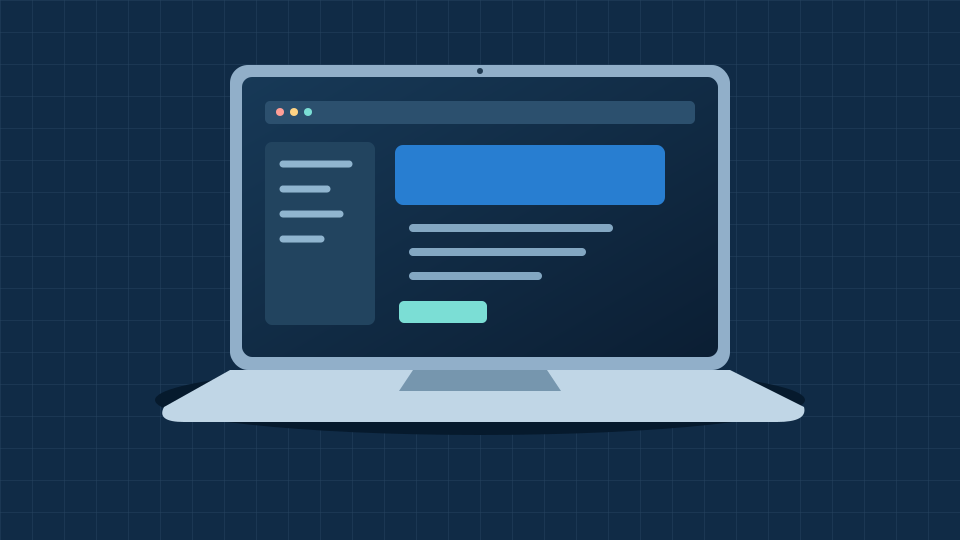
A laptop combines the computer, screen, keyboard and battery in one device. Connect external peripherals when you need them.
Read the laptop guide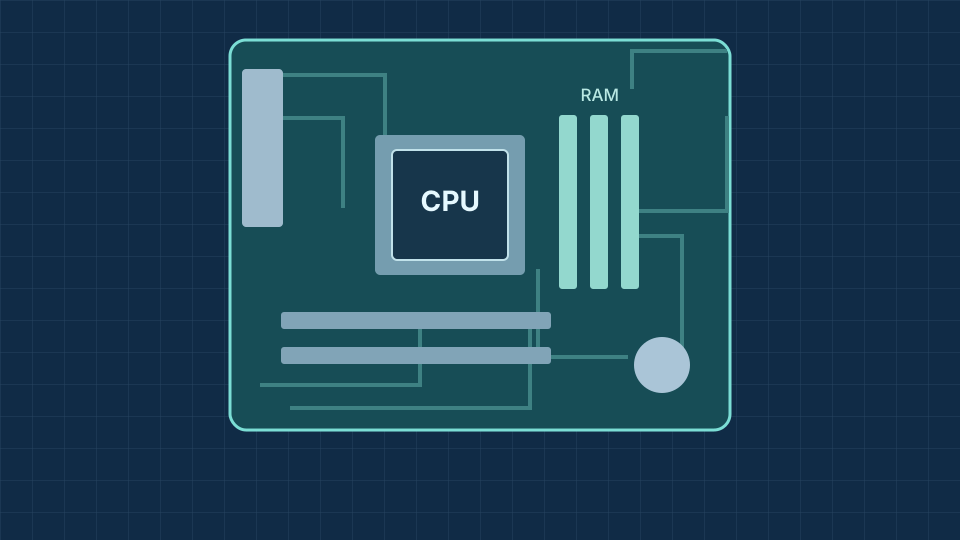
A desktop case contains components such as a motherboard, processor, RAM and storage. A separate monitor, keyboard and mouse connect to it.
Explore the component tableKeyboards, mice and microphones provide input.
Monitors, speakers and printers provide output.
External drives provide space for files and backups.
Everyday computing
Learn what the processor, memory, storage and screen do, and which features matter for college work and coding.
Explore laptopsInside a computer
Get to know the CPU, RAM, motherboard and storage, then see how they work together in a desktop PC.
Explore PC componentsA laptop combines a screen, keyboard, battery and computer in one portable device. Its suitability depends on the software you need to run, so check your course requirements before choosing one.
| Component | What it does |
|---|---|
| CPU | Processes instructions and calculations. |
| Motherboard | Connects components so they can communicate. |
| RAM | Temporarily holds data for active tasks. |
| SSD or hard drive | Stores files and applications when the power is off. |
| GPU | Processes graphics for the display; it may be integrated or a separate card. |
| Power supply | Supplies suitable electrical power to the components. |
| Cooling | Helps remove heat from components. |
A keyboard and mouse provide input, a monitor displays output, and a headset supports audio and calls. A webcam can help with online lessons, while an external drive can hold a backup of important files.
Watch how input and output work →Start with the basics
Choose a problem for a short checklist of things to try. Save your work before restarting a device.